
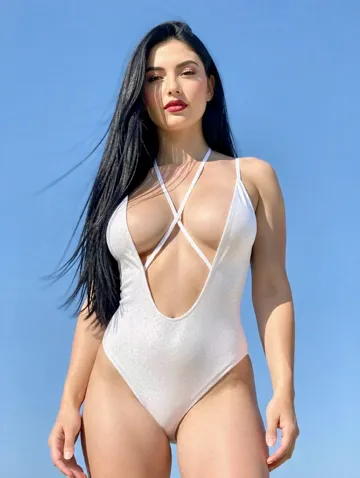
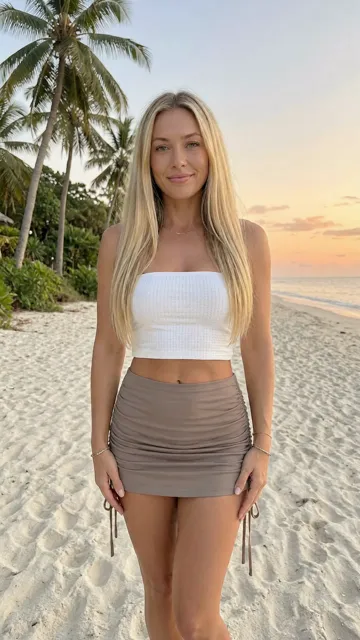
How does NSFW image to video work?
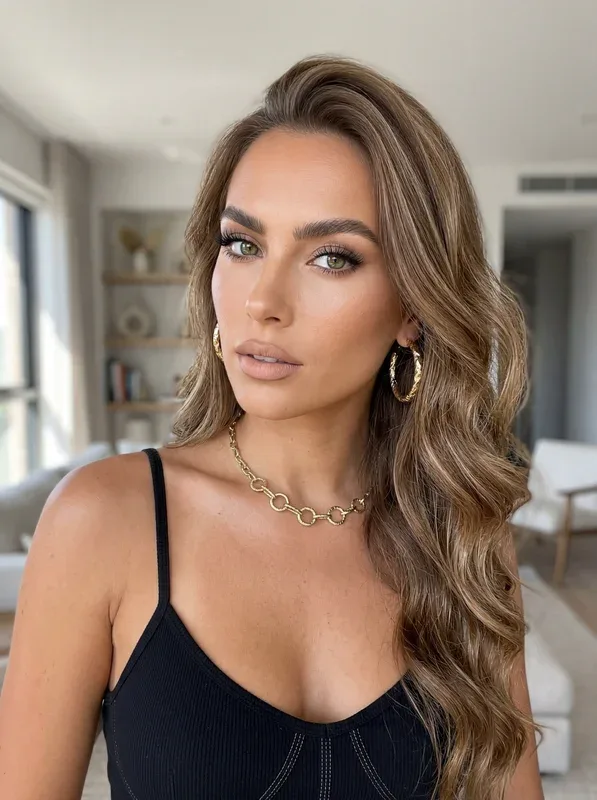
You upload an NSFW image as the first frame and describe the motion. The AI animates it into a short video. Nothing is filtered.
Most image to video tools reject adult photos at upload. UncensoredGen accepts any legal adult image and keeps the look of your photo: the same person, light and setting, now moving.
No photo yet? Start from text with the uncensored AI video generator.
Motion prompts that work
Describe one movement and, if you like, one camera move. Simple prompts give the smoothest clips.
[how the subject moves] + [camera move] + [mood]- Slow hair movement, gentle breathing, static close-up
- Slow turn toward the camera, smooth push-in, warm light
- Small change of expression, head tilt, medium shot
No prompt? The AI adds natural motion on its own, like breathing or a slight camera drift.
Turn an image into a video in three steps
Upload a photo
JPG, PNG or WEBP. A sharp photo with a clear subject works best.
Add motion
Write a short motion prompt and pick the length: 5, 10 or up to 15 seconds.
Download
No watermark. The photo and the video are deleted after download.
Privacy and rules
Uploads and videos are sent over an encrypted connection and deleted after download. Never allowed: photos of real people used without their consent, anything involving minors, and anything illegal where you live.
Frequently asked questions
Can I turn NSFW images into videos?
Yes. Any legal adult image can be the first frame. Neither the photo nor the video is filtered.
How long are the videos?
Up to 15 seconds, depending on the model. Clips of 5 to 10 seconds usually look the most natural.
Do I need to write a motion prompt?
No. Without one, the AI picks natural motion. A prompt gives you more control.
Which photos work best?
Sharp, well-lit photos with one clear subject. The AI builds the motion from what it sees in the frame.
Is there a watermark?
No. Videos download clean.