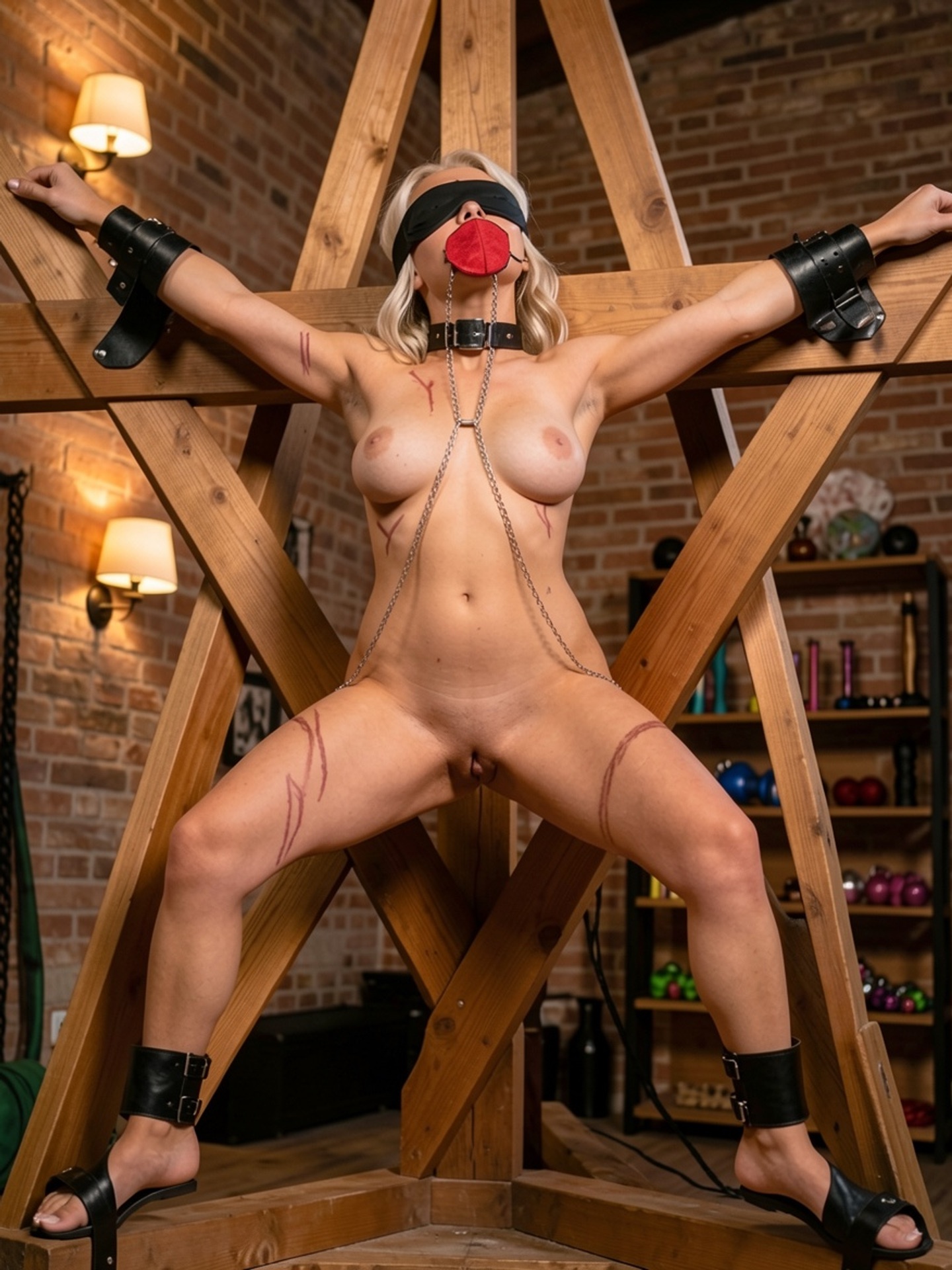
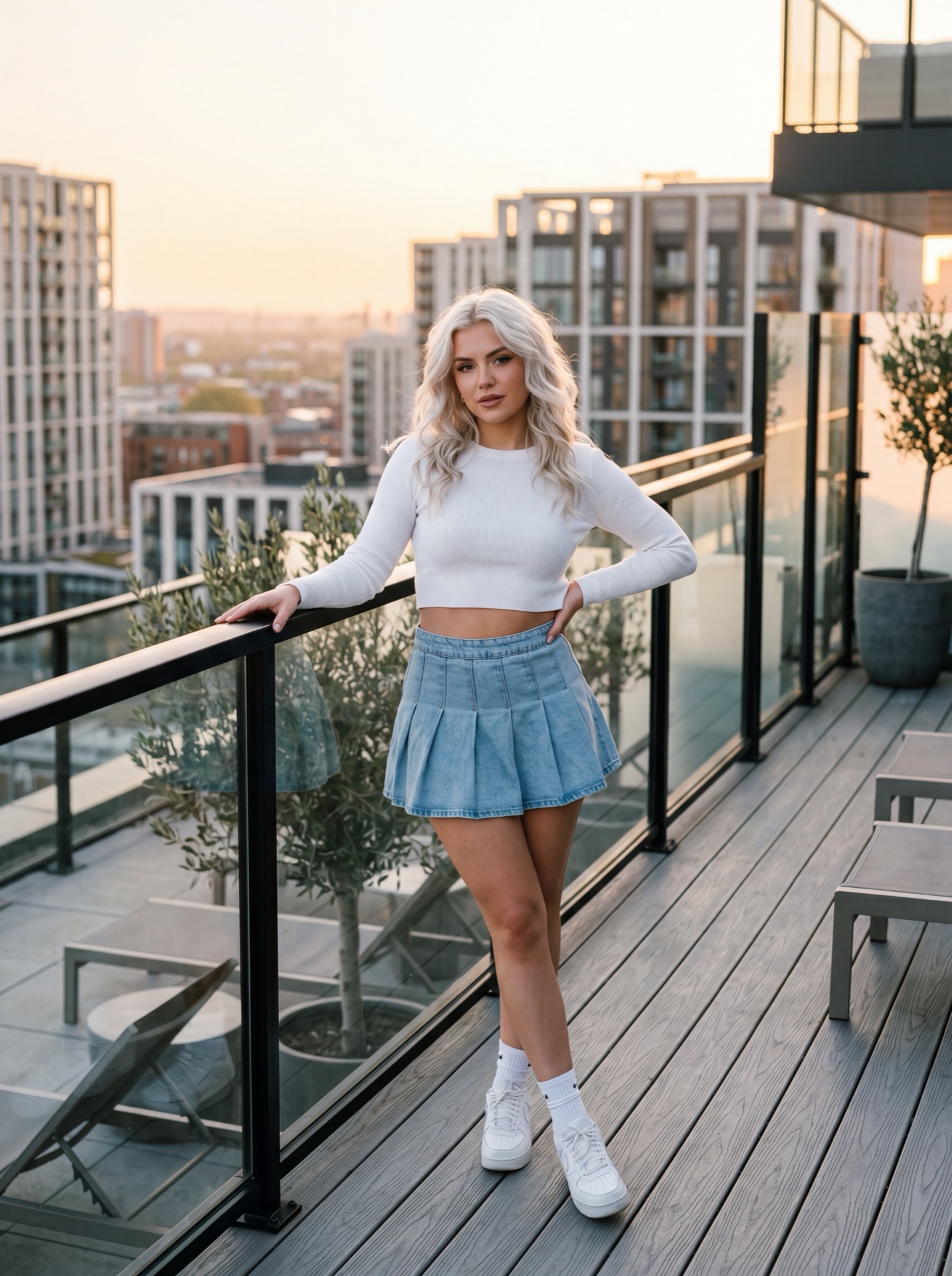
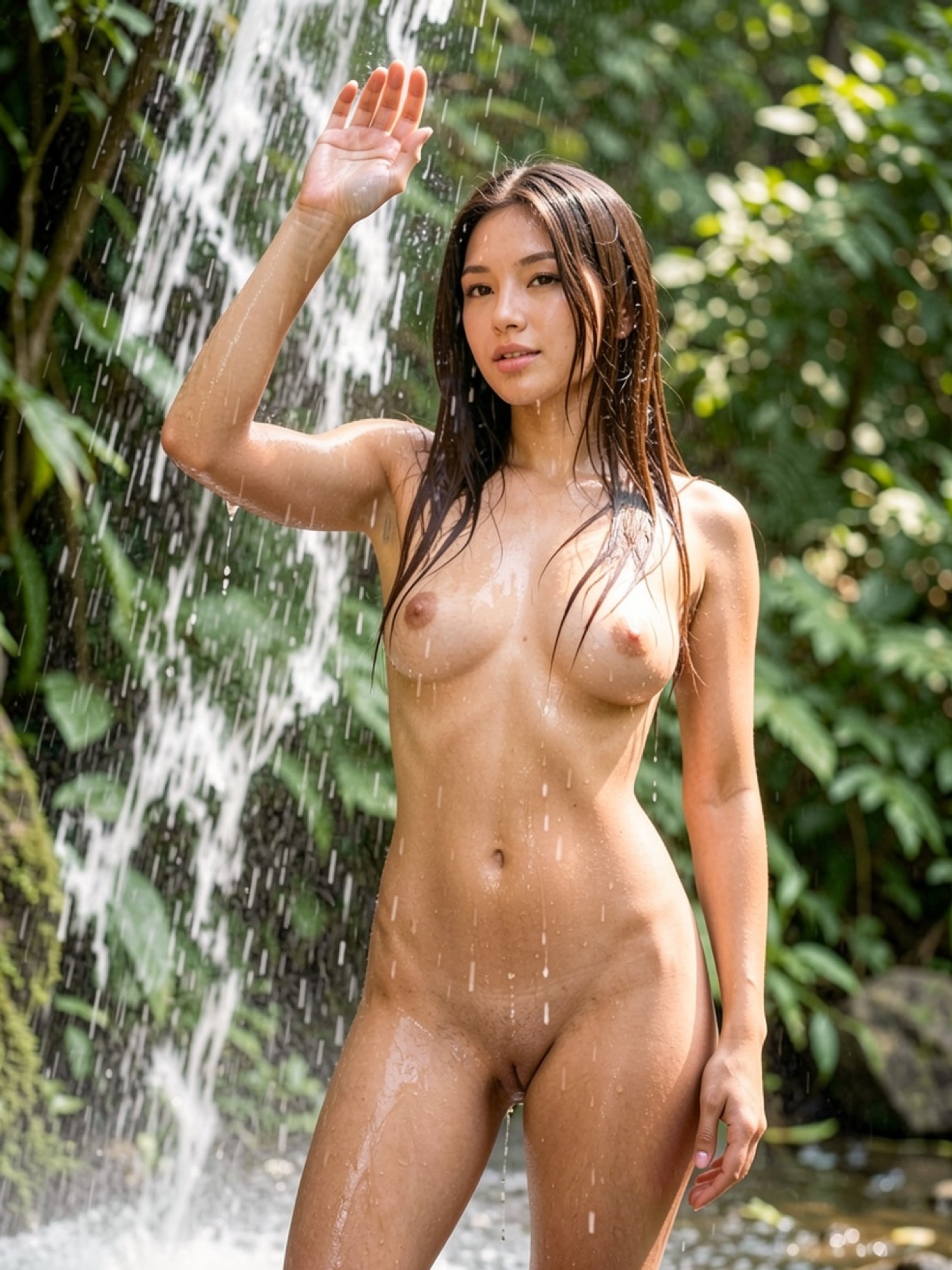
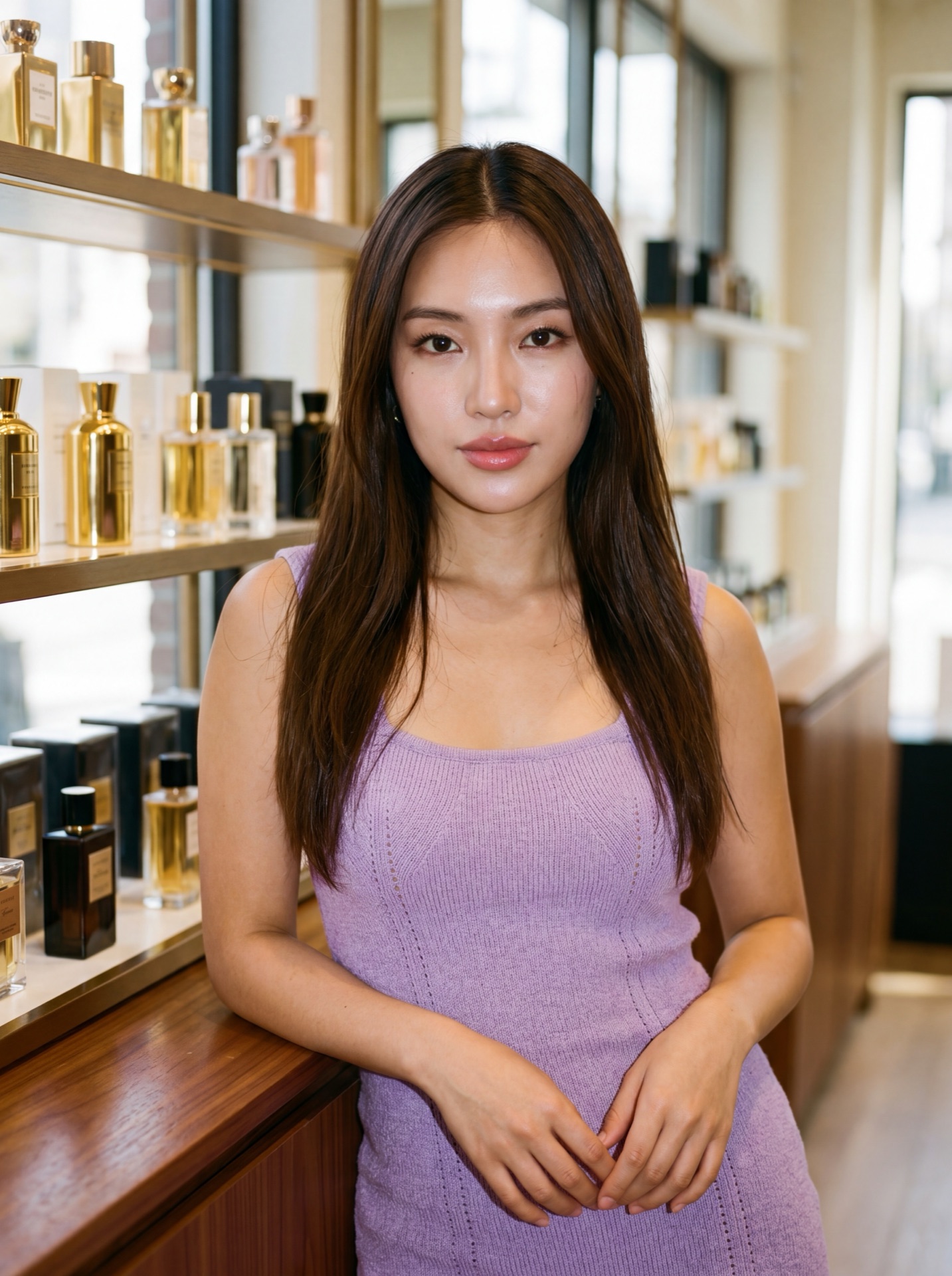
What makes an AI image editor uncensored?
Mainstream AI editors — Adobe Firefly, Canva AI, Microsoft Designer, Photoshop Generative Fill — apply multi-stage content filtering to comply with corporate usage policies. These systems reject NSFW image uploads and block explicit editing requests before generation begins. The practical impact: adult creators cannot use mainstream tools for their primary content workflows because uploads are blocked or prompts are rejected at policy checkpoints.
UncensoredGen removes all filtering layers. Upload an NSFW image → apply any edit (inpainting, style transfer, enhancement, multi-image fusion) → download clean, watermark-free output. No rejection at upload, no blocking during editing, no prompt modification. The tool processes all legal adult content without restrictions or content policy barriers, enabling editing workflows that mainstream editors prohibit entirely.
What editing operations are available?
UncensoredGen supports the complete spectrum of AI editing operations: inpainting (selective region regeneration), style transfer (artistic reimagining with unrestricted styles), multi-image fusion (seamless merging of multiple source images), and enhancement (upscaling, detail refinement, denoising). Each operation executes within 10-30 seconds depending on model complexity. Processing latency averages < 100ms for all operation types.
An adult content creator attempting to enhance anatomical detail faces automatic rejection. A fantasy artist merging character concepts hits content filters. An illustrator applying restricted artistic styles gets blocked. These are intentional policy rejections, not technical limitations. UncensoredGen executes all editing types without policy-based blocking, enabling workflows that mainstream tools prohibit entirely.
Inpainting & Replacement
Mask any area and describe replacement content. NSFW generation in the masked region is fully supported without filtering, content restrictions, or output blocking. Execution time: 15-25 seconds.
Unrestricted Style Transfer
Apply any artistic style, effect, or filter to explicit imagery. Maintain original anatomy and composition while changing aesthetic completely. Supports photorealistic, artistic, and fantasy styles. Execution time: 12-20 seconds.
Multi-Image Fusion
Seamlessly merge elements from multiple source images (adult photography, AI-generated, references, concepts). No filtering on source images or generated output. Create composite imagery from multiple NSFW sources. Execution time: 18-30 seconds.
Upscaling & Enhancement
Upscale explicit imagery to 4K+ resolution while preserving anatomical detail and quality. Enhance color, reduce noise, sharpen detail in restricted content without platform limitations. Execution time: 10-18 seconds.
Zero filters. Zero watermark. Total privacy.
Enter UncensoredGen — 18+ →What are real use cases for an uncensored editor?
Real-world use cases:
- Adult content creators: Enhance existing explicit photos, improve resolution and detail (skin tones, lighting, composition) without watermark or prompt rejection. Process both AI-generated and photography-sourced imagery
- Fantasy/anime artists: Edit adult-themed character art, apply unrestricted artistic styles, combine multiple reference images into single enhanced output without content filtering
- Photographers: Upscale adult photography to 4K+ resolution, retouch specific image areas (skin, lighting, anatomy detail) without platform restrictions or false-positive blocking
- Content creators: Edit promotional images, adjust framing, apply restricted filters or effects — all fully supported without prompt modification
- Post-processing workflow: Generate base image using generator tool → use editor for refinement, enhancement, multi-image fusion with references → download watermark-free final output
Unlike mainstream editors that reject uploads before editing even begins, UncensoredGen accepts the image, executes the edit without filtering, and delivers the output. Zero rejection, zero modification, zero watermark.
How is UncensoredGen different from mainstream editors?
Mainstream tools (Adobe Creative Cloud, Photoshop Generative Fill, Canva AI) are corporate platforms bound by content policy agreements. They reject NSFW uploads at multiple checkpoints: input validation (reject explicit images), prompt screening (reject adult intent), output filtering (reject generated explicit content). The result is that adult content creators cannot complete basic editing workflows on mainstream platforms — not because of technical limits, but because of policy-based blocking.
UncensoredGen removes all filtering layers. Every operation processes NSFW content without rejection, every prompt executes without modification, every output delivers without watermark. Here's the technical comparison:
| Feature | UncensoredGen | Adobe Firefly | Photoshop Gen Fill | Canva AI |
|---|---|---|---|---|
| NSFW input acceptance | ✓ All content | ✗ Filtered | ✗ Filtered | ✗ Filtered |
| NSFW prompt processing | ✓ Processed | ✗ Blocked | ✗ Blocked | ✗ Blocked |
| Content filtering layers | None | Multi-stage | Multi-stage | Multi-stage |
| Output watermark | None | AI attribution | AI attribution | AI attribution |
| Data retention | Zero (deleted immediately) | Persistent cloud | Persistent cloud | Persistent cloud |
| Privacy model | Zero-retention | Cloud-stored | Cloud-stored | Cloud-stored |
When do you need editor vs generator?
Use the Generator when: Creating entirely new explicit imagery from text descriptions, no reference images, complete AI generation from prompt alone.
Use the Editor when: Working with existing photography or AI-generated images that need refinement, enhancement, style changes, or composition adjustments. Retouching anatomical detail, adjusting lighting/color, combining reference images, upscaling resolution.
Typical professional workflow: Generate initial NSFW image using generator (text → image) → refine using editor (image + prompt → enhanced output) → combine multiple edited versions into final composite. This sequential approach allows creators to iterate: generate variations, edit promising candidates, combine best elements into final output. Both are required because generator creates from scratch while editor refines existing assets.
Most professional workflows benefit from using both tools in sequence: generate the initial image, then refine it in the editor. This approach lets you iterate quickly — generate variations in the generator, edit the best candidate in the editor, and combine elements into a final polished result.
Is the uncensored image editor private?
Zero data retention is a core principle of UncensoredGen. Your NSFW images, editing prompts, and output are processed on secure, isolated servers over encrypted connections (TLS 1.3 end-to-end encryption) and deleted automatically within milliseconds of download. Zero persistent logs, zero identifiable records, zero third-party access.
Mainstream cloud-based editors store your images and processing activity on remote servers — that data persists and can be accessed, subpoenaed, or exposed in a breach. UncensoredGen eliminates this risk entirely through zero-retention architecture: no persistent storage, no logs, nothing to breach.